
Slay the Spire 2
 written by InviOcean team
- Type
- Traditional game
- Genre
- Role-playing, Strategy
- Developer
- Mega Crit
- Release date
- 2026
- Status
- Paid
- Platform
- Windows
- Language
- Multilingual
- Rating
- pending
Links
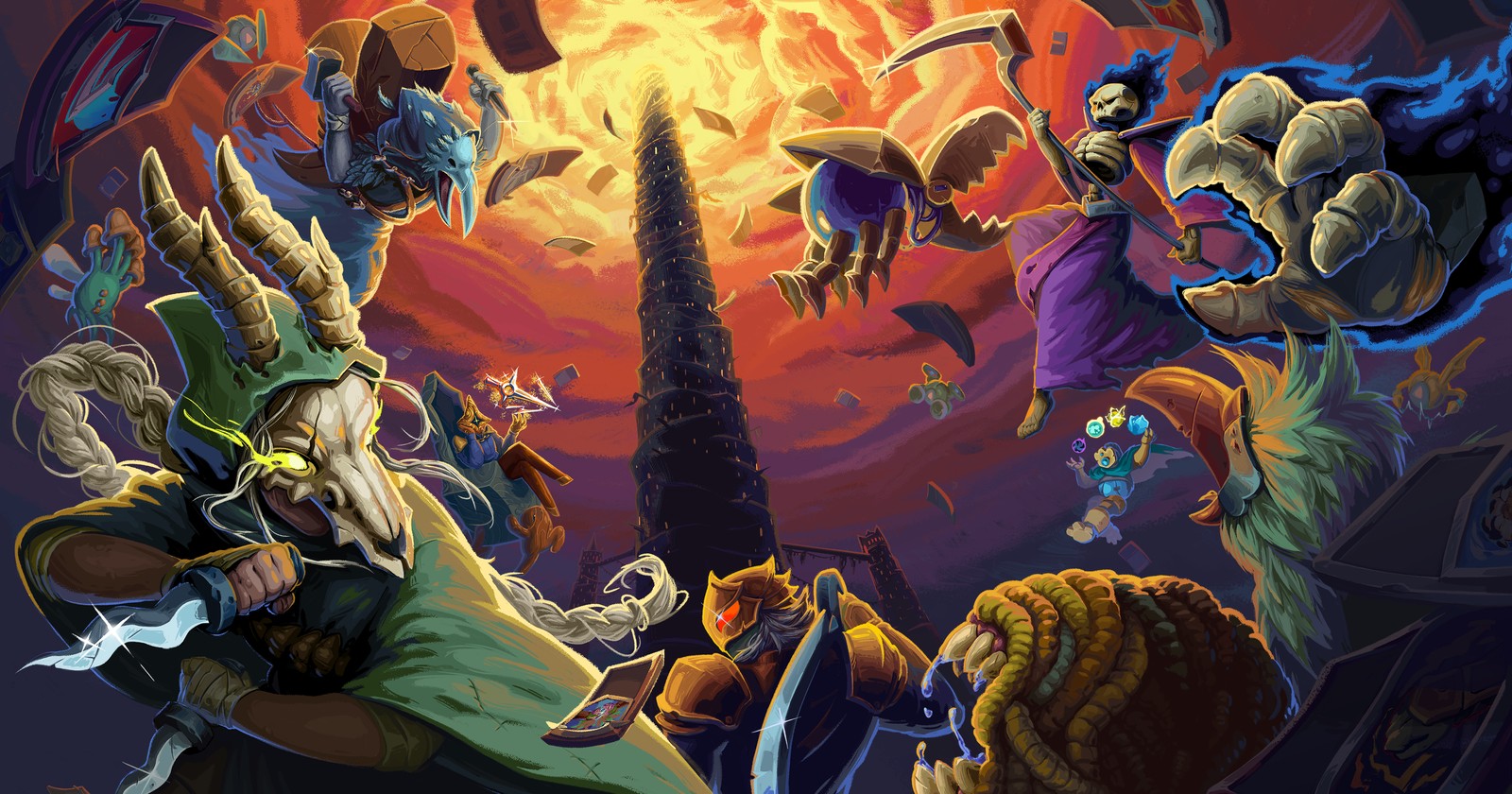
Slay the Spire 2 is the sequel to Mega Crit's roguelike deck-builder. You climb a tower one room at a time, fight turn-based battles with a deck of cards and add to that deck as you go. It has been in Early Access on Steam since 5 March 2026, and the Steam page for Slay the Spire 2 lists online co-op for up to four players alongside the single-player game.
Blind players use Say the Spire 2, a free mod by Bradley Renshaw, who also made the Say the Spire mod for the first Slay the Spire. This page describes version 1.6.0, released on 13 November 2026.
Accessibility for blind players
The game itself does not speak. Say the Spire 2 narrates whichever element has focus and announces what happens during play. Its documentation says this covers all game screens, with navigation from the keyboard or a controller. The Blind Gaming Database lists the game as fully accessible with the mod.
The main features, from the mod's documentation:
- Speech. By default the mod talks through a library called Prism, which passes text to NVDA, JAWS, SAPI or OneCore. You can also pick Windows SAPI directly, or the older Tolk library if speech feels slow.
- Buffers. These are lists of extra detail about whatever you are focused on, such as a card's cost and description, plus separate lists for your own status and recent events.
- Combat announcements. Damage, block, powers and card plays are spoken, and each event type can be switched off or sent to the events buffer only.
- Map viewer. A review cursor lets you follow each route through the act before you commit to a room.
The game is still in Early Access and changes often, so the mod is updated often too. Version 1.5.0 came out on 12 November 2026 after a beta update broke several things, including the buttons on the character select screen. That release and 1.6.0 also add speech for the beta's Blitz and Dread modes and for a new character, the Fool.
What playing by ear is like
The arrow keys move focus, Enter selects and Backspace goes back. There is a second confirm key on E, which the mod calls Accept. It confirms selected cards and some pop-ups, and the documentation suggests trying it whenever Enter does nothing. In a fight the same key ends your turn, so be careful with it there.
For detail, hold Ctrl and use the arrows. Ctrl + Up and Ctrl + Down move through the current buffer, and Ctrl + Left and Ctrl + Right switch to another buffer. On a card this gives you its name, energy cost and text one line at a time. Separate hotkeys read your HP, block and energy, and what each enemy intends to do.
The documentation calls the map the least intuitive part of the game for new players. The act's rooms are joined by lines, and you can only move forward along them. With the map open, Ctrl + Left and Right list the rooms you can reach from where the review cursor is, Ctrl + Up steps into one of them and Ctrl + Down steps back. A route summary key then tells you the fewest and most rooms of each type on the routes ahead, for example "Elite 1 to 3, Shop 0 to 2".
Controls
These are the keyboard defaults. Every binding can be changed in the mod settings.
- Arrow keys: move focus. Enter selects and Backspace cancels.
- E: Accept, which ends the turn and confirms cards and some pop-ups.
- Ctrl + arrow keys: read buffers, or browse the map when it is open.
- Ctrl + H, Ctrl + G, Ctrl + B, Ctrl + Y: HP, gold, block, energy.
- Ctrl + I: enemy intents. Alt + I gives a summary.
- Ctrl + P: your active powers.
- 1 to 9: the status of a creature by position. Add Shift for its intent or Alt for its powers.
- Alt + H, Alt + A, Alt + S: read the cards in your hand, draw pile and discard pile.
- M: open the map. Ctrl + Space summarises the routes.
- F1: help for the current screen.
- Ctrl + M: mod settings.
- Ctrl + Shift + A: turn the mod on or off. This needs a game restart.
Controllers are supported with their own bindings, listed on the Say the Spire 2 documentation site. To use one, first disable Steam Input for the game in its Steam properties, under the Controller tab. The documentation explains that the game's Steam Input layout stops many controller inputs from working.
How to get started
You need Slay the Spire 2 on Steam. The installer and the file paths in the documentation are for Windows.
- Start the game once and close it, so that it creates its settings file.
- Download
SayTheSpire2Installer.exefrom the latest Say the Spire 2 release and run it. It looks for the game folder, and there is a Browse button if it cannot find it. - Press Install and choose a version.
- Answer the two prompts. Turn on "Screen reader support". "Disable Godot UIA" is recommended for screen reader users, NVDA users in particular.
- If you use JAWS, press "Install JAWS config" afterwards. These files let keys such as the arrows reach the game and stop JAWS reading hidden controls.
- Start the game as usual. You should hear "Say the Spire" and the version number.
The same installer updates the mod later. A manual install from SayTheSpire2.zip is also documented; it involves editing the game's settings file by hand.
Known issues
- Some players could not dismiss the tutorial pop-ups on their first run. The author's advice is to close and reopen the game.
- Multi-page tutorials are moved through with Left and Right. Going right past the last page closes them.
- Dread mode support has had very little testing. The mode stays hidden until you reach ascension 10 on every character, and the author says he has not got that far.
- In Blitz mode, the history of rooms you have already visited is not read yet.
- Game updates can break the mod, as the beta did in November 2026. Check the release notes before you update.
Multiplayer
The mod marks itself as not affecting multiplayer, so the people you play with do not need it. It announces players joining and leaving the lobby, who voted for which map room or event option, and when other players end their turn. Focusing another player in combat puts their HP, block, energy, gold and powers in the player buffer.
Support and community
Bradley Renshaw runs a Discord server for his mods. Inside the game, F2 opens an issue-reporting prompt. Blind Gaming's report on versions 1.5 and 1.6 summarises the recent changes.
FAQ
Is Slay the Spire 2 finished?
No. It is an Early Access game. On the Steam page, Mega Crit says it expects Early Access to last one to two years, with more content and a true ending still to come.
Which screen readers does Say the Spire 2 work with?
The default speech handler, Prism, talks to NVDA, JAWS, SAPI and OneCore. JAWS users should also install the configuration files that come with the installer.
Can I play with a controller?
Yes, once Steam Input is disabled for the game. Xbox and PlayStation bindings are listed on the mod's documentation site.
Further reading
- Slay the Spire in our games catalogue
- Balatro in our games catalogue, a poker deck-builder with a screen reader mod by the same author
- Slay the Spire: the chance to hear the Spire, our article on the first game
- How mod makers help blind and visually impaired gamers
- Best games for blind players, November 2026