
Resident Evil HD Remaster
 written by InviOcean team
- Type
- Traditional game
- Genre
- Survival and horror, Action-adventure
- Developer
- Capcom
- Release date
- 2015
- Status
- Paid
- Platform
- Windows
- Language
- Multilingual
- Rating
- pending
Links
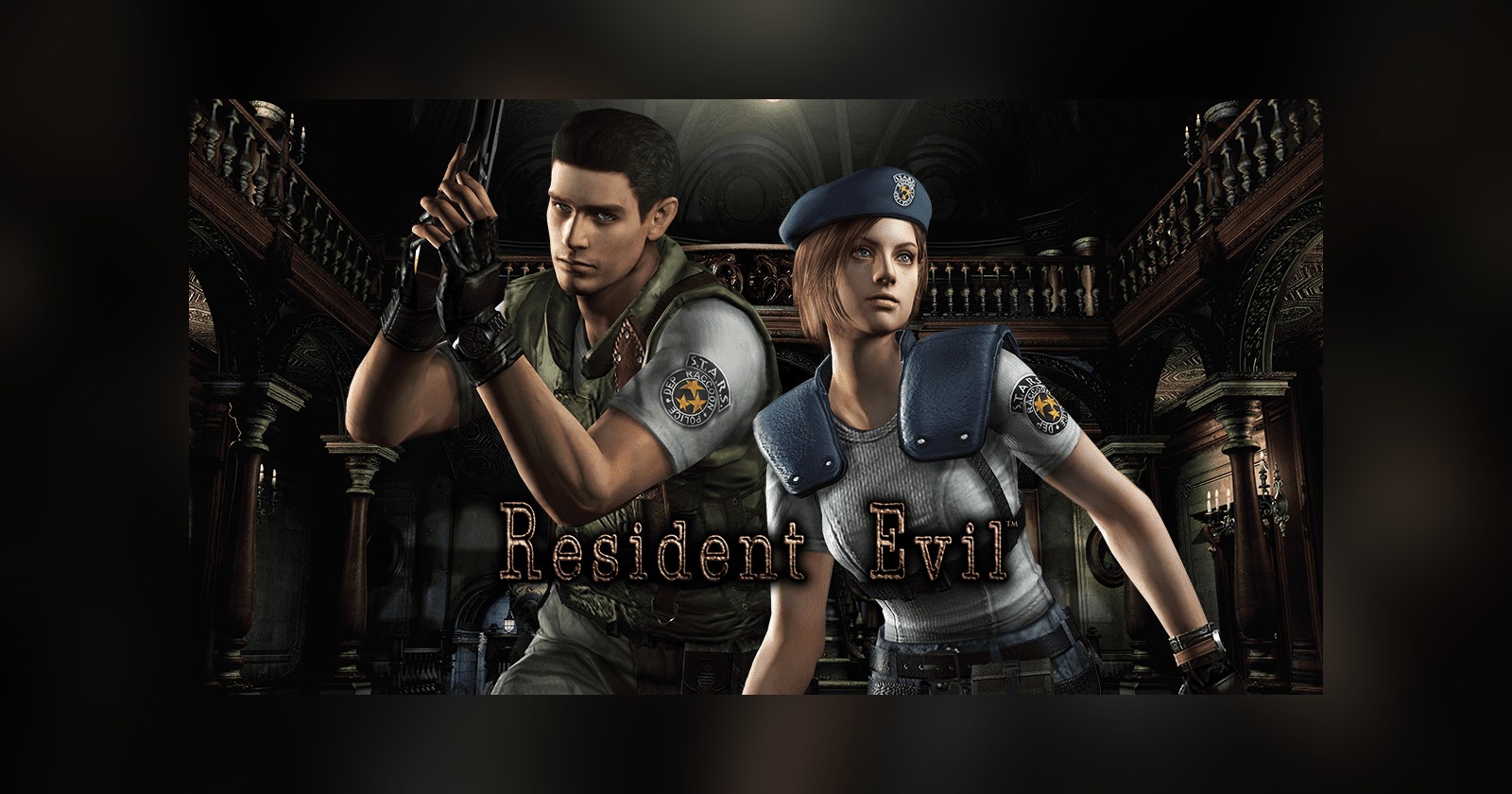
Resident Evil HD Remaster is Capcom's 2015 PC release of the first Resident Evil. It is a remaster of the 2002 GameCube remake, which itself rebuilt the 1996 original. You play Chris Redfield or Jill Valentine, members of a special forces team that takes cover in a mansion on the outskirts of Raccoon City. Rooms are shown from fixed camera angles and supplies are scarce. Inventory space is tight as well: Chris carries six items and Jill eight, as GamesRadar's review of the remaster notes.
Blind players can play it on PC with Resident Access HD, a free screen reader mod by RetroSanity for the Steam version. This page describes version 1.05, released on 17 November 2026.
Accessibility for blind players
The mod speaks through NVDA, JAWS, ZoomText, System Access and other screen readers. With none running, it falls back to the voices built into Windows.
According to its README, the mod reads the game's menus, the Manual on the main menu, the options and the save slots. In play it reads every message and question, cutscene subtitles, your items, the files you collect and the item box. Puzzle screens such as keypads and the lab computer are covered, and each costume on the character select screen is described.
Beyond speech, the mod adds four tools for getting around and fighting:
- Room lists. Everything in the current room is sorted into Doors, Items, Things to check, Puzzles and Enemies, each with a distance and a direction.
- Auto walk. Pick an entry and the mod walks you to it, round furniture and enemies and over stairs and ladders inside the room.
- 3D beacon. If you would rather walk yourself, a sound placed around you on headphones leads you along the route.
- Aim beep. A soft bell rings when a shot would hit a living enemy.
Version 1.05 added descriptions written by SeanTerry01, who made them for a separate Resident Evil access mod and shared them. They explain how each room is laid out and what doors and items look like. The same release brought audio description for the opening video and the cutscenes, spoken by a recorded voice in the gaps between lines of dialogue.
The Resident Access HD release notes for version 1.00, dated 15 November 2026, say the whole game can be played blind from start to finish as either character. Blind Gaming's report on Resident Access HD points out that the Blind Gaming Database had no player ratings to support that claim when the report was written. The first public build, 0.50, appeared only on 4 November 2026.
What playing by ear is like
When you enter a room, the mod says its name. Hold the left bumper and you can browse the lists, nearest thing first. An entry sounds like this: "Door to West corridor, 13 metres, ahead and to the right". Directions are given from the way your character faces.
Auto walk stops in front of the target and says "Here. Press A." With the beacon, you do the walking. A knock plays where the next turn of the route is, and it is lower in pitch when that point is behind you. Once you face the right way a second, higher knock joins in. The knocking speeds up as you get closer, and a chime marks each turn.
Many puzzle entries explain how the puzzle is solved, with the next step listed first where the order matters. For objects you have to push, auto walk takes you round to the correct side and the mod tells you when to stop.
In a fight, the Enemies list names each enemy with its distance and health. Raise your weapon, wait for the aim beep and fire. The README calls the beep "the only combat sound", so everything else you hear in combat is the game's own audio.
Controls
Hold the left bumper and use:
- D-pad left and right: previous and next list
- D-pad up and down: previous and next entry
- Left stick press: auto walk to the entry
- Right stick press: start or stop the 3D beacon
- B: stop walking
- Y: repeat where the entry is
- X: your health
- A: the room and its doors
- Back: what the room is like
- Start: what the selected thing looks like
- Right bumper: enemies in the room
The game ignores these buttons while the bumper is held, so you can't set anything off by accident. During auto walk, hold the game's run button to run.
The README.txt in the download lists keyboard keys for the same functions, which work only while the game window is active. Page Down and Page Up change list, Home starts auto walk and End starts the beacon. T repeats the last thing said, and 0 reads out the full key list.
How to get started
You need:
- Resident Evil HD Remaster on Steam, on Windows 10 or 11. The Steam store page is titled Resident Evil.
- An Xbox controller, or another controller the game sees as one. Both of the game's control schemes, Original and Alternate, work with the mod.
- Headphones, if you want to use the 3D beacon.
- A screen reader. It is recommended but optional.
Python comes bundled with the mod, so there is nothing else to install. Then:
- Download the zip from the latest Resident Access HD release and unzip it anywhere, for example in Documents.
- Run
Install Resident Access.bat. It finds the game through Steam and puts a small controller add-on,xinput1_4.dll, in the game's folder. - Start the game from Steam. The mod starts with it and says "Resident Access ready".
The mod checks for a new version each time it starts and updates itself. To remove it, run Uninstall Resident Access.bat.
The mod's own settings sit under the last row of the game's Option menu, as "Mod settings". There you can set a volume for each of the mod's sounds and switch cutscene narration on or off. A sound glossary in the same menu plays each cue and says what it means.
If you are new to screen readers on Windows, our guide to installing NVDA covers the setup.
Known issues
- Silent menus. If the game hasn't loaded the controller add-on, menus and messages are not read, and the mod tells you why. Usually the file is missing, so run the installer again. Antivirus software can remove it; allow
xinput1_4.dllin the game's folder. - Auto walk can't move you. Turn off Steam Input for the game: in Steam, open the game's Properties, go to Controller and choose Disable Steam Input.
- Steam version only. Early builds experimented with the GOG version, and version 0.54 took that support out.
- Keyboard-only play. Version 0.53 made auto walk work with no controller plugged in. The README still lists a controller as a requirement, and its instructions assume one.
Support and community
Report problems on the Resident Access HD issues page. The mod writes everything it says, along with any errors, to rehdaccess.log in its folder, and it keeps the previous session as rehdaccess.old.log. The README asks you to include both files and say where in the game you were.
GitHub lists 25 releases between 4 and 17 November 2026, so check the release notes if something behaves differently from this page.
FAQ
Can a blind player finish Resident Evil HD Remaster?
The mod's developer says so in the notes for version 1.00. No independent account of a full playthrough had been published in the sources we checked for this page.
Do I need NVDA or JAWS?
No. A screen reader is recommended and the mod will use one if it is running. Without one, it speaks through the voices built into Windows.
Does the mod work with the console versions?
The README names one supported version: Steam, on Windows 10 or 11.
Further reading
- Best games for blind players: November 2026 picks, where this mod is listed under "Also worth a look"
- Steam as a platform for blind gamers
- Mod makers helping blind and visually impaired gamers
- The Last of Us Part I, a console game whose accessibility features were built in by its developers