Ninja Gaiden 4: An Accessibility and Gameplay Review by a Blind Player

Ninja Gaiden 4 is the long-awaited return of the iconic hardcore slasher series. This time, however, the developers at Team Ninja and PlatinumGames have taken an unprecedented step by introducing a comprehensive set of accessibility options. In this in-depth review, I — as a blind gamer — examine how successfully they managed to open the doors of their fast-paced and aggressive world to players with visual impairments.
Ninja Gaiden is one of the oldest series created by Team Ninja. The first entry was released back in the early 2000s on the Xbox platform.
The defining traits of the franchise have always been its fast, hardcore combat system, rivers of blood, and enemy limbs and heads flying in all directions.
My personal introduction to the series happened completely by chance in 2008, when my father gifted me an Xbox 360 that came bundled with Ninja Gaiden II.
With the help of sighted players, I managed to achieve some success in learning the combat system. However, I was never able to navigate the environment on my own or overcome the numerous platforming and parkour sections.
At some point, I abandoned the game altogether. Constantly asking for help just to jump somewhere or even find the correct path became exhausting, and the series disappeared from my radar for many years.
Everything changed on October 21, 2025, with the release of Ninja Gaiden 4. Team Ninja, joining forces with the masters of stylish action from PlatinumGames (Bayonetta, NieR: Automata), decided to step away from the “slasher not for everyone” formula.
They announced a comprehensive approach to accessibility, introducing a wide range of features designed to lower the entry barrier without sacrificing the spirit of the series.
But the main question for us, blind players, remains: did they manage to create a truly playable experience, or is this just another set of half-measures? Let’s break it down in this detailed review, where I tested every assist in practice.
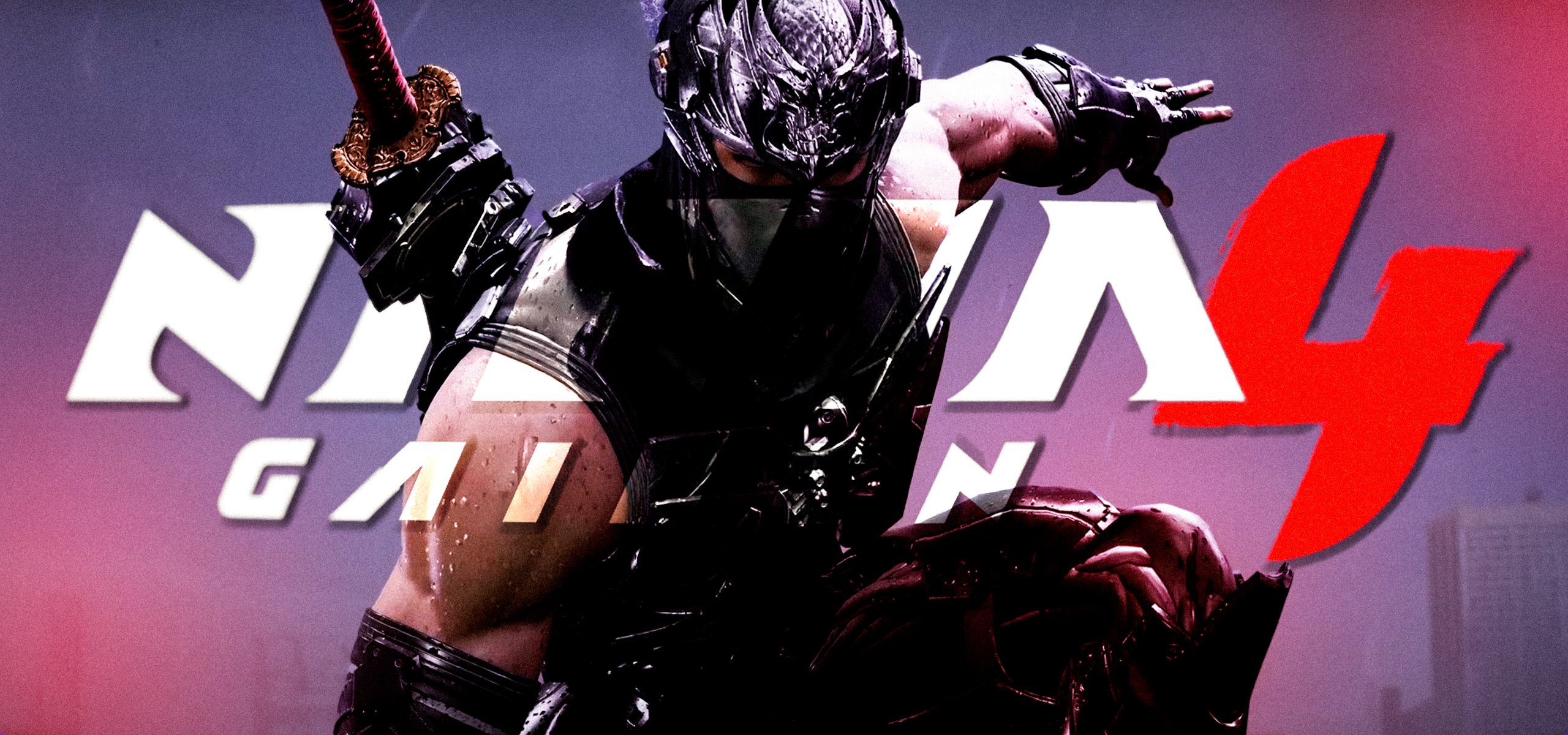
Ninja Gaiden 4 Story
In a Tokyo cut off from the outside world, a “cursed rain” is falling — the aftermath of the final battle with the Dark Dragon. The city has been evacuated and sealed off, reality itself is cracking, and demons are pouring out of the rifts.
A young ninja named Yakumo from the Raven Clan receives his mission: infiltrate the disaster zone’s center and eliminate the priestess Saori, whose connection to the Dark Dragon is fueling the catastrophe. However, as he advances, it becomes clear that both his clan and the legendary Ryu Hayabusa are far more deeply involved than he was told, and the “elimination mission” quickly turns into a confrontation with his own legacy.
First Launch and the Lack of Screen Reader Support
I tested the game on PC. After pressing “Play,” we are greeted, after some time, by the loud and pompous logos of the developers and the publisher.
Next comes the initial setup screen, and unfortunately, this is where the first serious obstacle appears: the complete absence of any screen reader support. But when has that ever stopped experienced blind players?
Still, this is a significant accessibility drawback right from the start, since not everyone has access to sighted assistance or can rely on OCR.
I didn’t panic and decided to enlist modern neural network technology, using Google’s Gemini and showing it the screen.
By asking it questions, I was surprised by how accurately it described what was currently under the cursor.
On the first settings screen, the most important options are the interface language and voice-over language. After pressing “Next,” we are taken to the second screen, which contains far more meaningful parameters.
Accessibility Settings
The first setting that is strongly recommended to enable is Destination Indicator. This is the core navigation system that helps orient the player in the game world. When enabled, holding the R3 button on the controller (right stick) slows down time and rotates the camera toward the current objective.
Next, enable Auto Movement.
This option automates complex platforming and parkour sections: the game guides the character along the correct route, leaving the player with only basic action confirmations. It significantly lowers coordination and reaction requirements but completely disables score accumulation at the end of missions, regardless of the selected difficulty.
In my opinion, this is a highly controversial decision. Using one of the key accessibility features effectively punishes blind players who want to earn higher scores. We may master the combat system perfectly, but the game simply does not acknowledge it.
Auto Movement works as follows: when reaching certain points, a prompt appears asking you to press Circle or B on the controller, after which the character automatically overcomes a short but challenging parkour segment. After that, navigation assistance is used again to continue progressing through the world.
The final navigation-related setting is Auto Interact.
It automatically activates nearby interactive objects (levers, doors, items), reducing the need for precise positioning and aiming around small environmental elements. This also applies to item chests.
Out of curiosity, I scrolled through the entire settings list. Players with low vision were not neglected either, with various color filters and interface-related options available. I won’t go into excessive detail here; it is enough to say that a contrast mode is present, enemy damage visualization can be adjusted, and multiple filters exist to highlight enemies and interactive objects with more saturated colors.
After enabling all the necessary parameters, the neural network helped me scroll down to the “Finish” button, which took me to the difficulty selection menu.
Difficulty Selection
The game offers four difficulty levels:
Hero — the easiest option. After selecting it, the game offers several additional accessibility features that are unavailable on any other difficulty level, such as automatic blocking when health is low, automatic dodging, and auto-healing when recovery items are available in the inventory. These settings work in combination with the assists discussed earlier.
Normal — all assists are disabled. Blocking, dodging, and item usage must be handled manually. A standard difficulty without additional modifiers.
Hard — for those who enjoy testing their nerves. A mode for experienced players who want to challenge their skills. Enemies typically deal more damage, have higher health pools, or behave more aggressively.
Master Ninja — the legendary and most extreme difficulty level, long considered the franchise’s signature challenge.
From the perspective of a player who perceives the world primarily through sound, the obvious and inevitable choice is “Hero.” But we are not looking for easy paths.
Gameplay Accessibility
After the introductory cutscene, we are immediately thrown into a crowd of enemies and flooded with tutorial prompts. These have to be read either via OCR in NVDA, through a neural network, or with the help of a sighted companion.
It is worth noting that NVDA proved to be the least reliable option in this case, as OCR often ignored controller button prompts required for various actions. Gemini, on the other hand, was a pleasant surprise.
After dealing with the enemies, I began testing the navigation assist and was once again impressed. It genuinely works, despite the lack of screen reader support.
This is especially striking when compared to games like the Horizon series, which also lack screen reader support and claim to offer navigation assistance — assistance that barely functions there. Here, the system performs at a high level. Pressing R3 consistently rotated the camera toward where I needed to run, the wall I needed to grab, the obstacle I needed to jump over or onto. I even double-checked this with my wife, who confirmed it visually.
The section where I had to flee from something resembling a helicopter firing at me was also surprisingly manageable, thanks to the same navigation assistance. That said, it still required quick reactions to avoid machine-gun fire and rockets.
Gameplay
At its core, Ninja Gaiden 4 delivers fast, aggressive gameplay with a strong focus on melee combat and mobility. Most of the time, players control the young ninja Yakumo, who fights demons and cyber-mercenaries across an isolated Tokyo, occasionally giving way to segments featuring Ryu Hayabusa, the protagonist of the previous three entries.
Combat revolves around rapid attack strings, dodges, and precise parries. The game encourages constant forward pressure rather than passive defense behind a block.
The arsenal includes several weapon types with unique move sets, while the key mechanic, Bloodbind Ninjutsu, allows players to temporarily “switch” blade forms, unlocking new, especially powerful attacks capable of breaking armor and interrupting enemy actions.
Structurally, the game is a linear, chapter-based campaign composed of arenas, corridors, and slightly more open areas with rare branching paths and secrets.
Between battles, players encounter intense platforming and parkour sequences — wall runs and acrobatic chains that break up the nonstop action and occasionally turn into standalone challenges.
The difficulty feels fair but unforgiving. Even on standard settings, the game demands learning enemy patterns and careful resource management. On higher difficulties, and especially in Master Ninja mode, it becomes a full-scale test of reflexes and system mastery.
At one point, I switched from Normal to Hero mode because I had not yet memorized the attack patterns of certain enemies. The presence of a training arena is a welcome addition, allowing players to practice techniques and select specific enemy types for focused training.
Sound Design and Soundtrack
The soundtrack is a dynamic genre blend. At its core lies heavy metal infused with Eastern motifs, intertwined with cinematic orchestration and energetic electronic beats. The music is not just background noise — it actively controls the game’s rhythm.
Sharp musical transitions clearly signal key moments: the start of combat, the climax of a fight, or a boss’s entrance, allowing players to literally hear when a battle escalates to a new intensity level.
The sound design follows the same aggressive philosophy. Each weapon has a distinct, recognizable sound, and hits against armor, flesh, or shields are easily distinguishable by ear.
Special attention is given to “obliterations,” the franchise’s signature finishing moves. They are accompanied by an exaggeratedly juicy sound layer that briefly suppresses the surrounding chaos, focusing attention entirely on the player’s action and its victim.
The technical execution is excellent. Spatial audio is implemented flawlessly: even with closed eyes, it is possible to determine the direction of incoming projectiles or approaching enemies. Flexible mix settings — with separate volume controls for music, effects, and voices — allow players to fine-tune the soundscape to maintain orientation even in the heat of battle.
The only noticeable dissonance in this otherwise outstanding audio picture is the English voice acting. Its straightforward, occasionally overly melodramatic delivery contrasts with the epic scale of the environment, resembling anime dubbing more than a serious blockbuster. The Japanese version may sound more natural, but for many players, English remains a familiar, if imperfect, choice.
Should a Blind Gamer Play Ninja Gaiden 4?
Ninja Gaiden 4 is a rare example of a cult hardcore franchise maturing alongside its audience. The game does not compromise where it matters most: the combat system remains furious, fast, and deep enough to seriously challenge even veteran players. At the same time, the developers have, for the first time, genuinely considered how to grant access to this combat system to those who were previously left behind.
Flexible difficulty options, assists, thoughtful navigation tools, and powerful sound design do not eliminate Ninja Gaiden’s hardcore nature. Instead, they change the tone of the conversation. Rather than “suffer or don’t play,” the game says, “let’s tailor the challenge to you.”
And it is precisely in this blend of old-school design and newfound sensitivity that the Ninja Gaiden the series has been missing for all these years finally emerges.
Should blind members of the gaming community take a closer look at the game? Absolutely yes — if you are not afraid of jumping around in search of the right wall to grab onto and are used to games that do not always hold your hand, Ninja Gaiden 4 will deliver a great deal of enjoyment.